

Architectural design is evolving, and so is the software used to create it. In the past, architects primarily relied on traditional CAD tools like AutoCAD to draft their designs. However, today’s architectural world demands more sophisticated solutions for creating, managing, and visualizing complex structures. This is where Revit architecture software comes into play. Developed by Autodesk, Revit is Building Information Modeling (BIM) software that has revolutionized how architects design buildings.
Unlike basic CAD software, Revit enables 3D modeling, collaboration, and data-driven design, making it the go-to tool for modern architectural workflows. In this blog, we’ll explore why Revit is widely regarded as the best option for architectural designs and how it empowers architects to work more efficiently and collaboratively.
What is Revit Architecture Software?
Revit is a Building Information Modeling (BIM) tool designed specifically for architecture, engineering, and construction professionals. Unlike traditional CAD software, Revit is built around parametric 3D modeling, allowing architects to create intelligent building models that are rich with data. This data-driven approach means that every element within the model, from walls to windows to HVAC systems, is not just a visual representation but also contains vital project information like dimensions, materials, and performance metrics.
One of the defining features of Revit is its ability to automatically update all aspects of the project when a change is made to any component. For example, altering the height of a wall will automatically adjust the corresponding floor plans, sections, and elevations, ensuring that all views and documentation stay synchronized.
Key Features of Revit:
- 3D Modeling: Build detailed 3D models that help visualize the design in real time.
- Parametric Design: Allows for quick modifications and automatic updates across the entire model.
- Integrated Design: Combines architectural, structural, and MEP (Mechanical, Electrical, and Plumbing) designs in one unified model.
Key Features of Revit for Architects
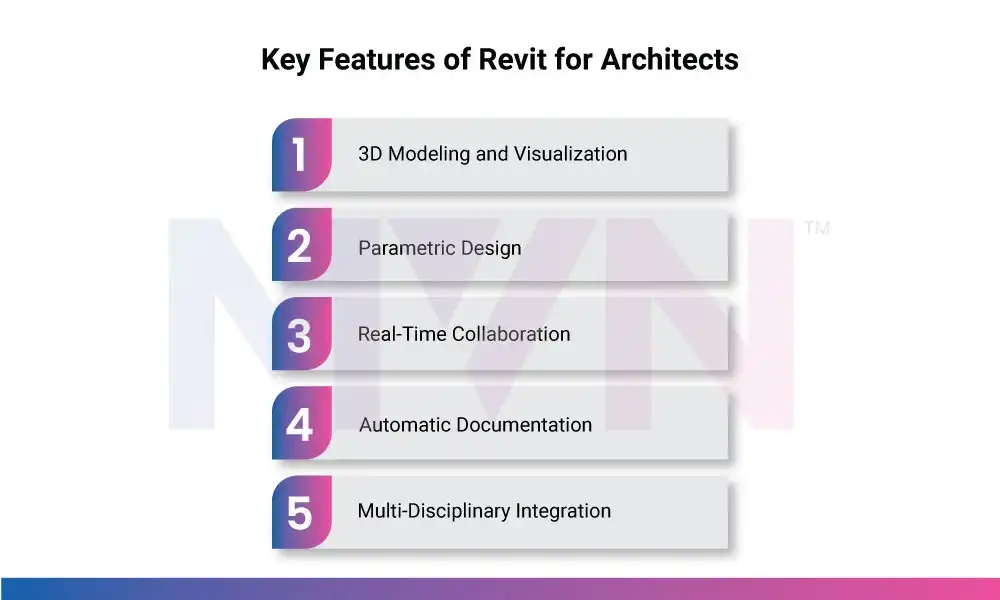
Revit’s robust feature set sets it apart from traditional 2D drafting tools and makes it ideal for modern architectural workflows. Let’s explore some of the key features that make Revit an essential tool for architects.
1. 3D Modeling and Visualization
Revit allows architects to create and manipulate 3D models that give a realistic view of the final structure. The software supports advanced rendering, enabling architects to produce detailed visualizations that can be easily shared with clients or stakeholders. These 3D models provide an intuitive understanding of the design and help identify potential issues early in the project lifecycle.
2. Parametric Design
At the core of Revit is parametric design, which allows for the creation of building components that are tied together through parameters. For example, a door might be defined by its dimensions and material, and any changes to those parameters will automatically adjust all associated elements, such as wall openings, door schedules, and door tags. This intelligent modeling feature helps architects maintain accuracy and consistency across the project.
3. Real-Time Collaboration
Revit offers cloud-based collaboration tools that enable multiple teams to work on the same model simultaneously. This real-time collaboration is especially valuable for large projects with diverse teams, such as architects, engineers, and contractors. Changes made by one team member are instantly reflected across all versions of the model, improving coordination and reducing the risk of design conflicts.
4. Automatic Documentation
One of the biggest advantages of Revit is its ability to automatically generate documentation such as floor plans, sections, and elevation drawings directly from the 3D model. Since the model and documentation are connected, any change made in the design is reflected in the documentation, which reduces the need for manual updates and minimizes errors.
5. Multi-Disciplinary Integration
Revit allows architects to integrate architectural, structural, and MEP designs in one comprehensive model. This integrated approach helps detect clashes early, improving the overall quality of the design and ensuring that the final structure works seamlessly across all disciplines.
Benefits of Using Revit in Architectural Design
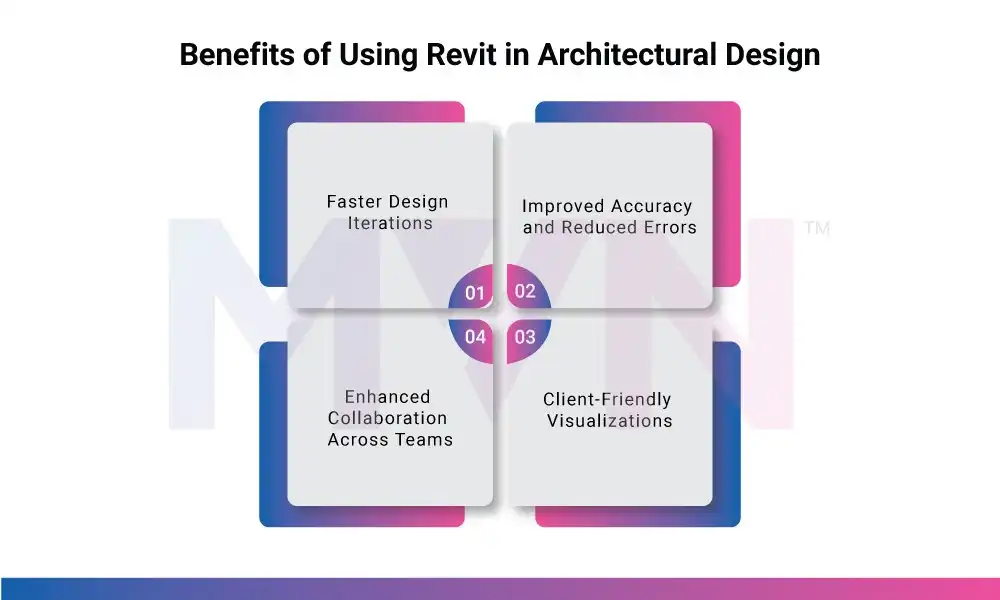
Revit offers numerous benefits that make it the top choice for architectural firms and individual architects alike. Let’s explore some of the key advantages that come with using Revit for architectural design.
1. Faster Design Iterations
With Revit’s parametric design tools, architects can iterate on their designs more quickly. Since changes to the model automatically update across all views and documentation, it reduces the time spent manually revising drawings. This accelerated workflow allows architects to experiment with different design options and make faster decisions.
2. Improved Accuracy and Reduced Errors
Revit’s intelligent modeling and automatic updates help reduce the chance of errors in the design process. Because every element is linked, any change made is automatically reflected in the entire model, eliminating the possibility of conflicting information between different views or drawings. This leads to higher accuracy and fewer mistakes in the final design.
3. Enhanced Collaboration Across Teams
Revit’s real-time collaboration features are essential for modern architectural projects. Teams can work on the same model simultaneously, regardless of location, ensuring that everyone is always on the same page. This is especially useful for large projects where architects, engineers, and contractors need to collaborate closely.
4. Client-Friendly Visualizations
Revit’s advanced visualization tools allow architects to create realistic renderings and walk-throughs of the design. These visualizations help clients understand the design much better than traditional 2D drawings, making the approval process smoother and more efficient.
Revit vs. Other Design Tools (AutoCAD, SketchUp, etc.)
Revit is often compared to other design tools such as AutoCAD and SketchUp. Let’s explore how Revit stacks up against these traditional software options.
Revit vs AutoCAD
While AutoCAD is primarily used for 2D drafting, Revit is a full-fledged BIM tool that provides a comprehensive 3D modeling environment. AutoCAD is great for basic drafting, but Revit offers a more advanced set of features for designing and visualizing buildings in 3D. Revit’s parametric design, real-time collaboration, and automatic documentation make it more suited for modern architectural workflows.
Revit vs SketchUp
While SketchUp is an excellent tool for quick, conceptual 3D modeling, it lacks the robust data-driven features that Revit offers. Revit allows for more detailed modeling with parametric components, and its integration with BIM makes it ideal for complex architectural projects. SketchUp, on the other hand, is better suited for early-stage conceptual designs.
Conclusion
In conclusion, Revit architecture software is more than just a tool for creating designs – it’s an essential platform that allows architects to collaborate efficiently, visualize designs accurately, and automate repetitive tasks. With its parametric design, BIM integration, and real-time collaboration tools, Revit stands as the best choice for modern architectural projects.
Whether you’re a beginner architect or part of a large design team, Revit will help you streamline your workflow, reduce errors, and produce high-quality designs. If you’re not already using Revit, now is the perfect time to explore its capabilities.